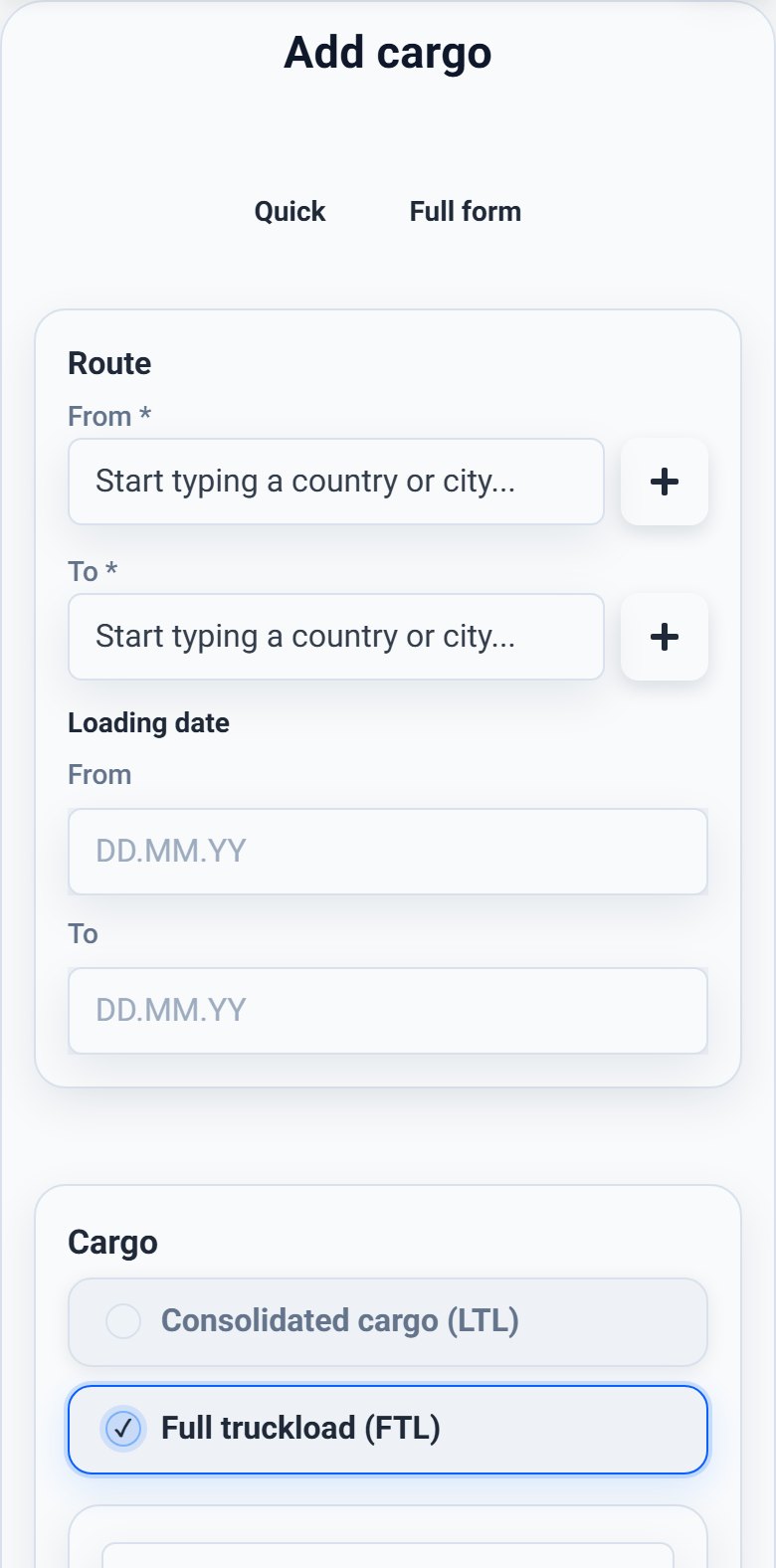
Desktop version
1
Step 1Choose add cargo from the navigation.
Add cargo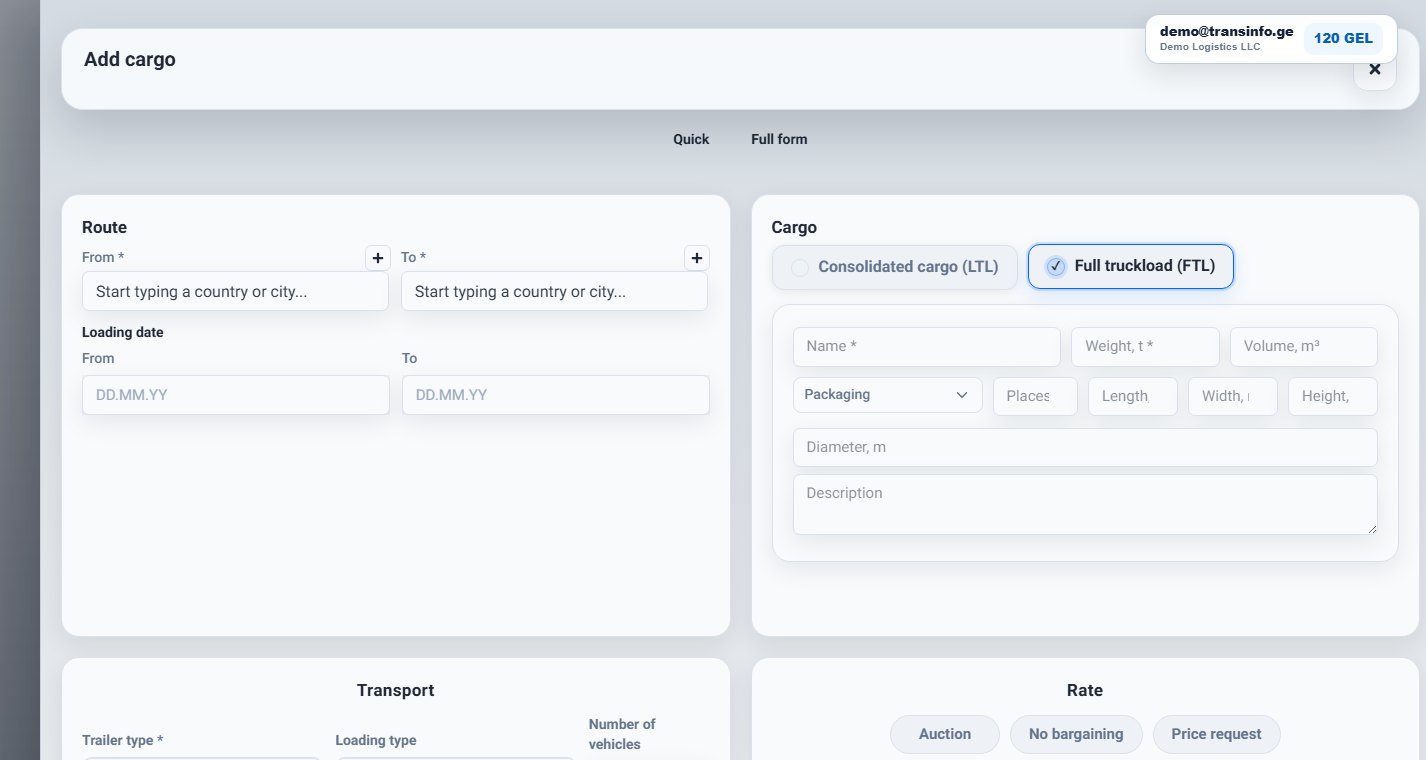
Add cargoMain cargo form
Complete listings receive clearer responses.
- 1
Step 1Choose add cargo from the navigation.
- 2
Step 2Fill loading and unloading places, date, cargo name, weight, and volume.
- 3
Step 3Add vehicle requirements, price or payment note, and any loading conditions.
- 4
Step 4Check the preview and publish the listing only when the contact details are correct.