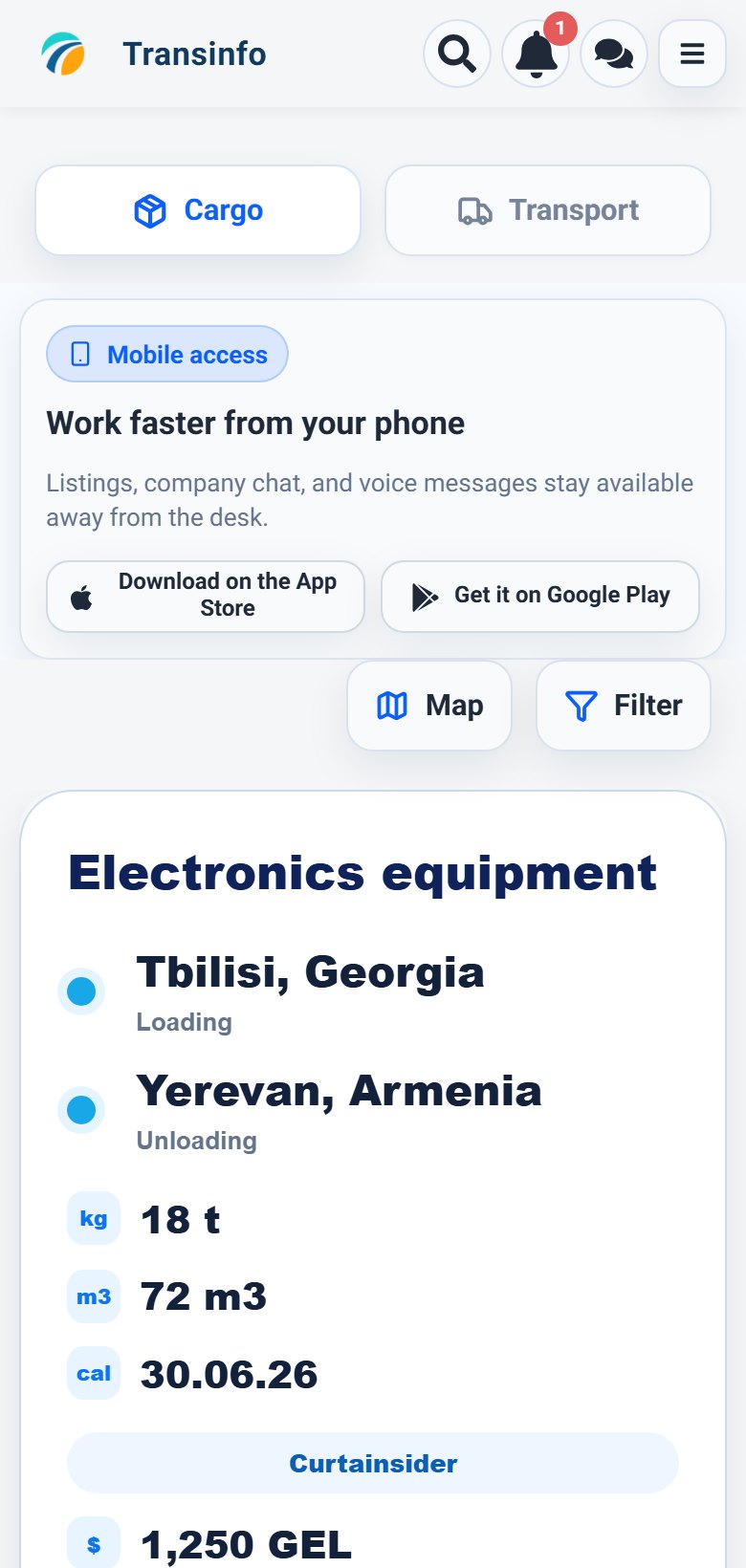
Desktop version
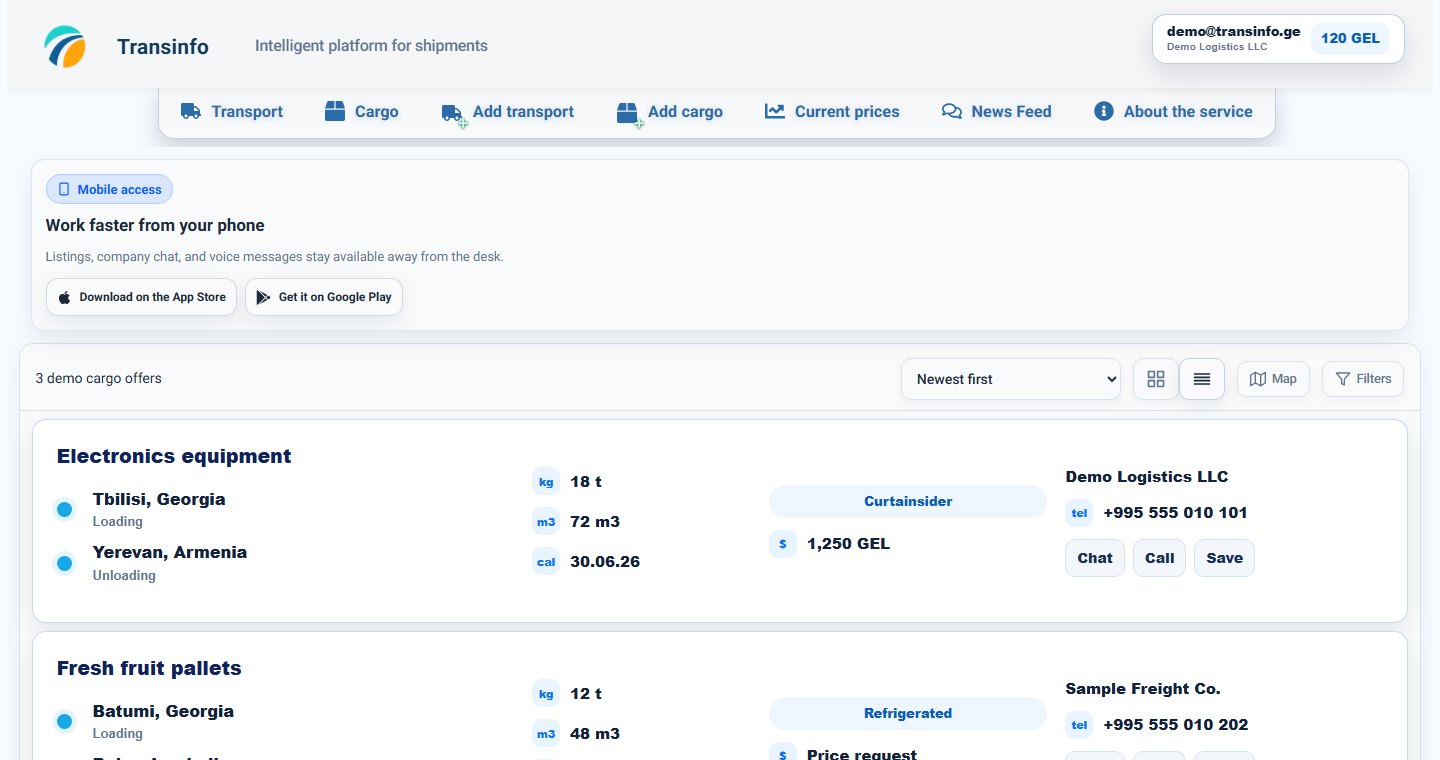
My listingsVisibility status
Your account can show listings that public search hides.
- 1
Step 1Open your account and find the listing in your own cargo or transport section.
- 2
Step 2Check whether the listing is active, expired, draft, hidden, or limited by subscription.
- 3
Step 3Edit missing route, date, cargo, vehicle, or contact fields.
- 4
Step 4After saving, open public search in another tab and check whether the listing appears with matching filters.